
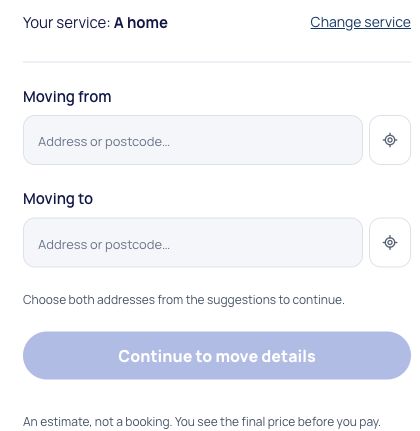
Describe your move
Add your route, items, date and access details. Use your email to save the move, then confirm it before sending your request to drivers.
Check an estimate, compare driver bids and agree the arrangements for your move.
Start your moveAdd your route, items, date and access details. Use your email to save the move, then confirm it before sending your request to drivers.
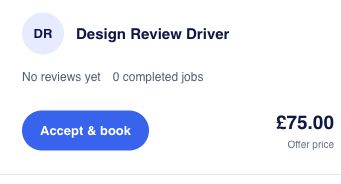
Post your move, compare the offers and check what each driver includes before booking.
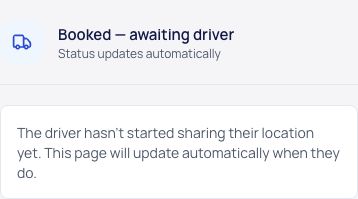
Message your driver after booking. Follow the job status and see their location when they share it.
Example account screens. The offer shown is illustrative, not a price for your move.
Send a change request from your booking if the date, load or arrangements change. Wait for confirmation before treating a request as agreed.